

Forward an email receipt. Get it back itemized.
Built for freelancers and solo business owners on iPhone. Forward email receipts without connecting your inbox, and Receipt Rabbit categorizes every line item.
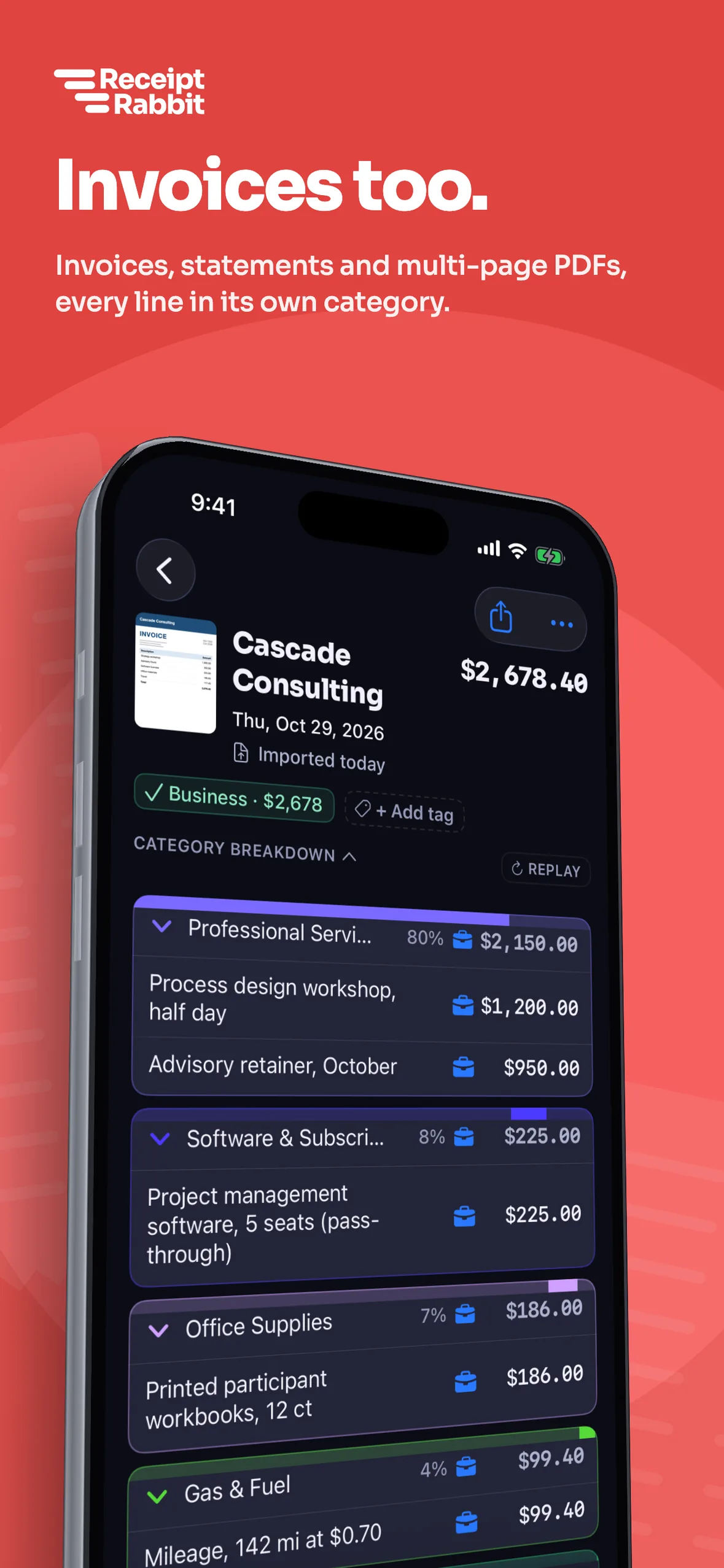

Email forwarding is included on every plan. 30 free receipts a month.
Forward one by one or set an automatic filter
Tap Enable in Settings > Email Forwarding to get two ways to send receipts in. Use the short address for quick forwards from your own mailbox, or use your private address for automatic filters.
- Forward single receipts. Enter your sender address in the app, then forward emails to receipts@receiptrabbit.io, which matches mail by that address.
- Set an automatic filter. Point a Gmail or Proton Mail filter at your private forwarding address, which routes mail by that address alone.
Each forwarded receipt counts toward your monthly limit: 30 on Free, 100 on Plus, and 300 on Pro.
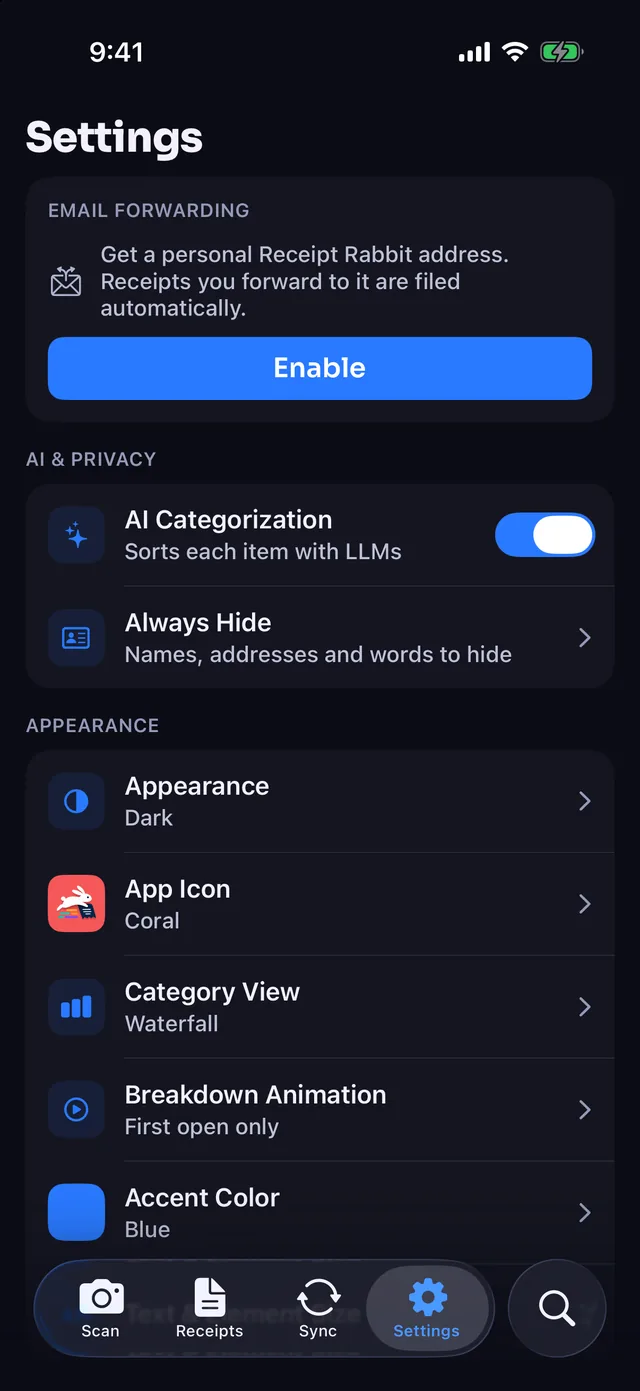
PDFs, images, and email bodies all come back itemized
Forward the email as it arrived. Receipt Rabbit handles the format and reads every line item, the same as a camera scan.
| You forward | You get in the app |
|---|---|
| PDF attachment | Saved as the receipt PDF. |
| Image attachment | Saved as the receipt photo. |
| Multiple attachments | Combined into one PDF in attachment order. |
| Email body with no attachment | Converted into a receipt PDF. |
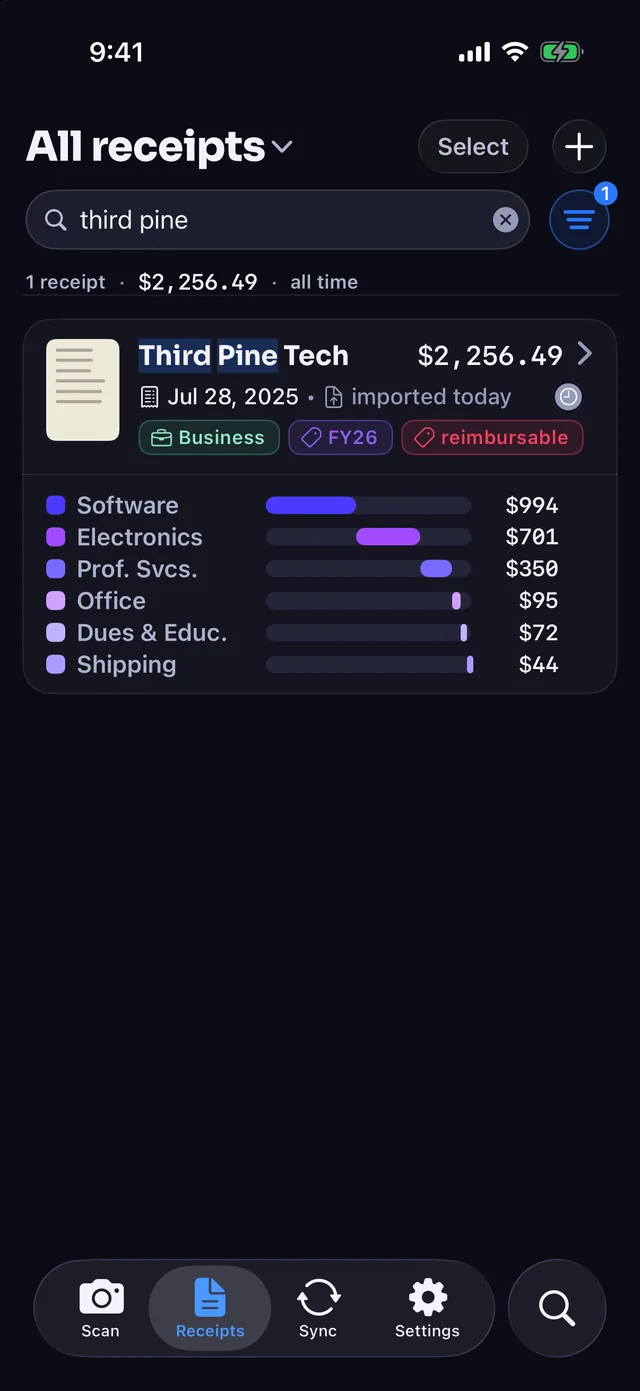
- Categorizes every line item. On one Third Pine Tech invoice, licenses go to Software & Subscriptions, a tablet and label printer to Electronics & Tech, and implementation to Professional Services.
- Review before syncing. Order confirmations and unpaid invoices look like receipts, so check them in the app before syncing to your books.
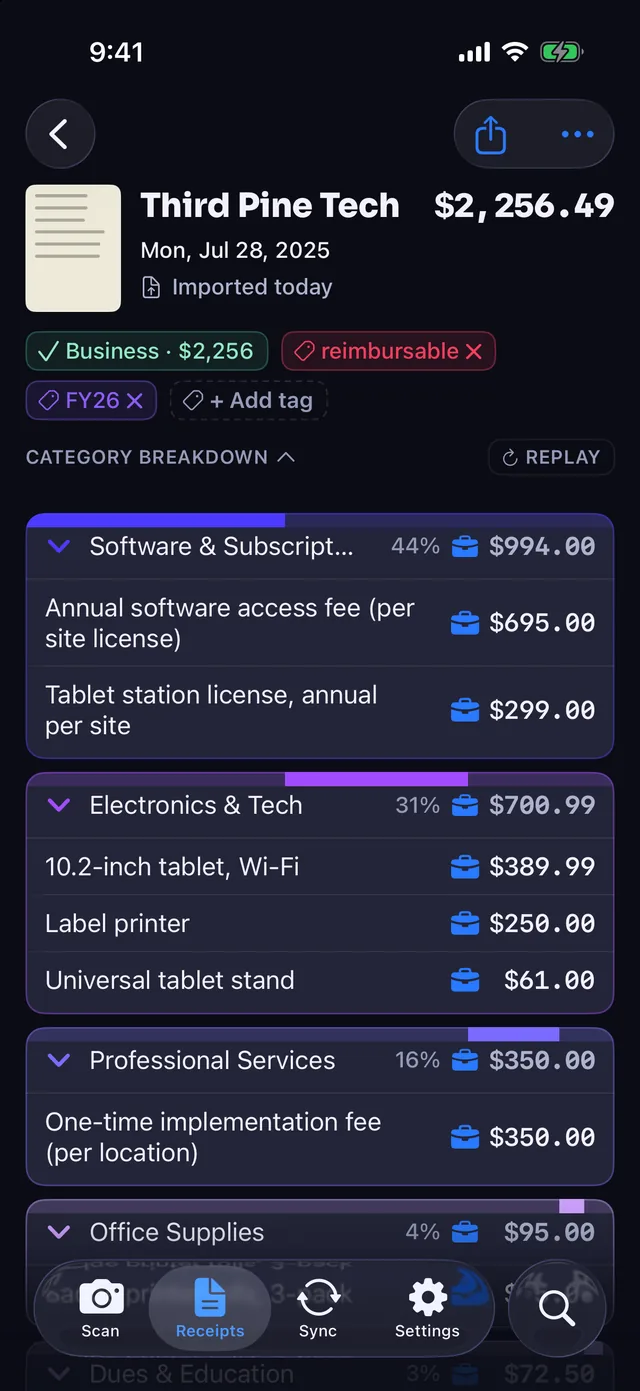
Keep your inbox private while you forward receipts
- Zero inbox access. Receipt Rabbit never connects to your inbox; it only receives the messages you forward.
- Encrypted while waiting. Forwarded mail is encrypted to your device's keys and held until your iPhone downloads it, or 7 days at most.
- Synced through your iCloud. The app runs without an account or login, and your receipts stay in your own iCloud.
Our servers keep only a keyed one-way hash of the sender address you enter for receipts@receiptrabbit.io, and Cloudflare's email routing log holds sender, recipient, and subject for up to 30 days. Read our Privacy Policy for full details.
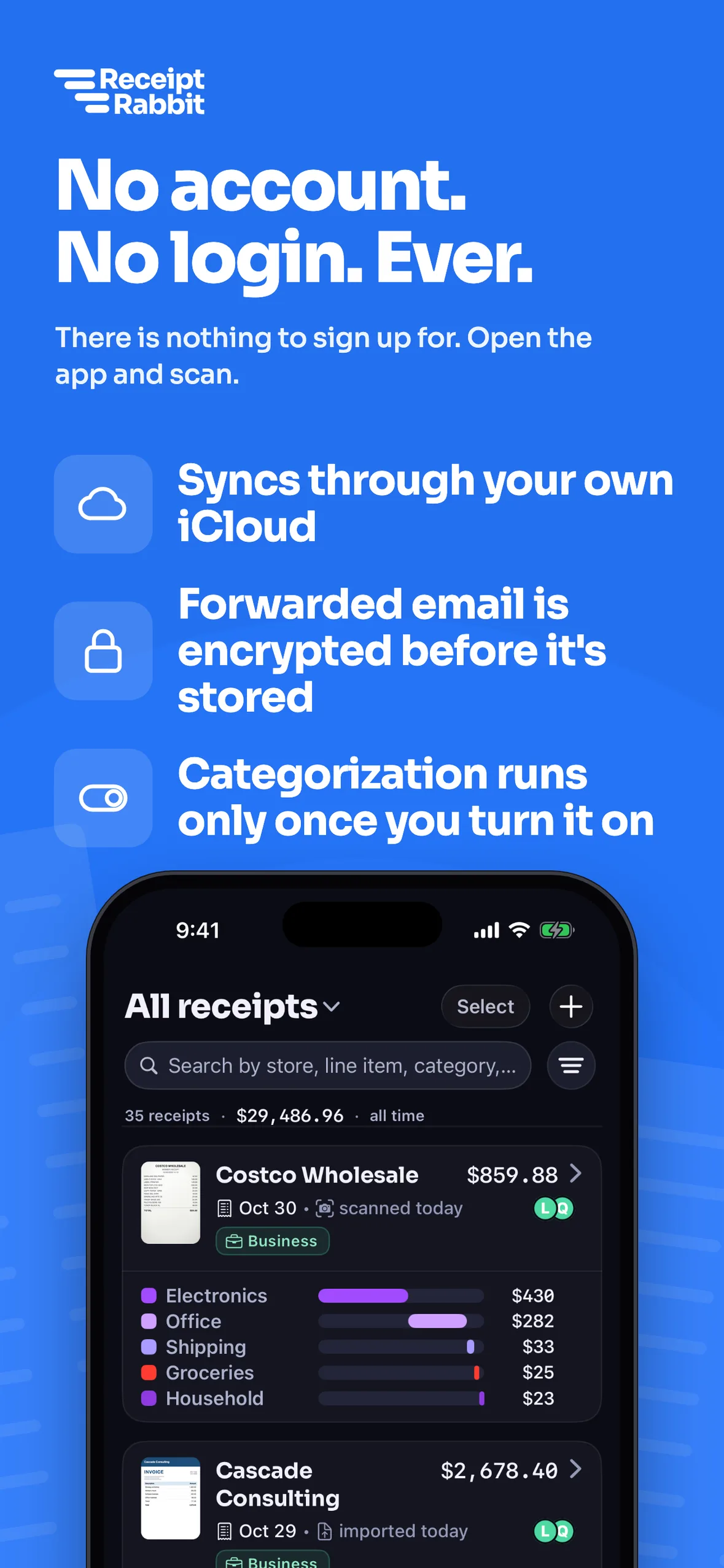
Forward from your laptop, ready on your iPhone
- Ready when you open the app. New receipts download when you open Receipt Rabbit, switch back to it, or pull down to refresh.
- Syncs to your books. Send categorized receipts to QuickBooks Online or Xero on Pro, or to Lunch Money on Plus and Pro.
- Searchable by line item. Find any forwarded receipt on your iPhone by store, item name, or category.
Questions
How do I forward an email receipt to the app?
Open Settings > Email Forwarding in the iPhone app and tap Enable. You can then forward single emails from your sender address to receipts@receiptrabbit.io, or send mail from any mailbox to your private forwarding address.
Why are there two forwarding addresses?
receipts@receiptrabbit.io is easy to remember for one-off forwards and matches mail by the sender address you enter. Your private address is made from an anonymous device identifier and routes mail by that address alone, so it works from any mailbox and suits automatic filters.
What kinds of email receipts work?
You can forward a PDF attachment, an image attachment, multiple attachments, or an email body with no attachment. Receipt Rabbit saves or converts each one and categorizes every line item, the same as a camera scan.
Does Receipt Rabbit read my inbox?
No. Receipt Rabbit never connects to your inbox and only receives messages you forward. Your sender address stays on your device, while our servers keep only a keyed one-way hash of it to match incoming mail.
How fast does a forwarded receipt show up on my iPhone?
Forward a receipt from your laptop or phone, and it downloads when you open the app, switch back to it, or pull down to refresh. Waiting messages are encrypted to your device's keys and held for up to 7 days.
Is email forwarding free, and does it count toward my monthly limit?
Email forwarding is free on every plan. Each forwarded receipt counts toward your monthly limit: 30 on Free, 100 on Plus ($4/month or $30/year), and 300 on Pro ($8/month or $60/year).
Can I set up automatic email forwarding?
Yes. Copy your private forwarding address from Settings > Email Forwarding and use it as the destination in a Gmail or Proton Mail filter. Because mail to that address is routed by the address alone, matching receipts forward automatically.
Spot an error on this page? Email support@receiptrabbit.io and we will correct it.
Try Receipt Rabbit on iPhone. 30 receipts a month free.