
Private beta · iOS

The client lunch is deductible. The dog food isn't. Same receipt.

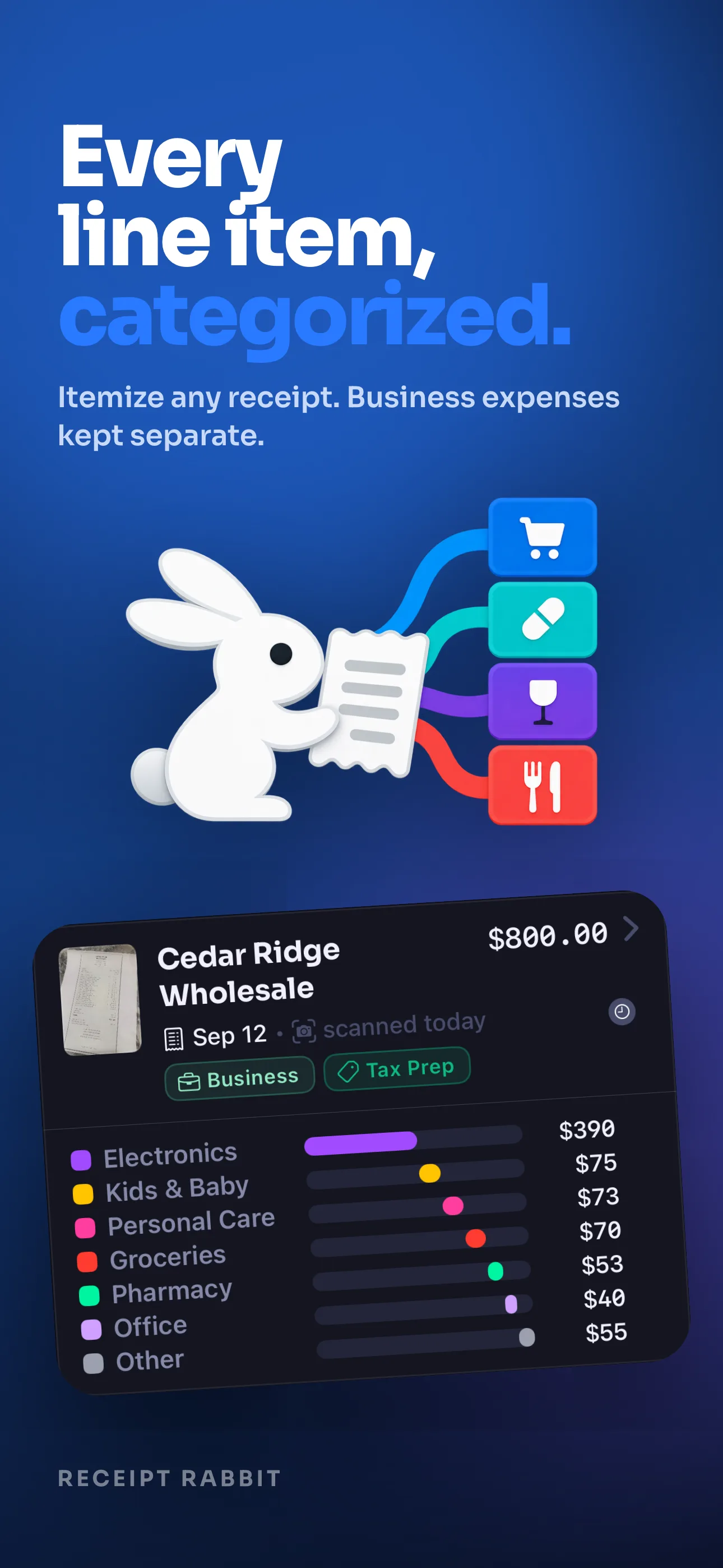
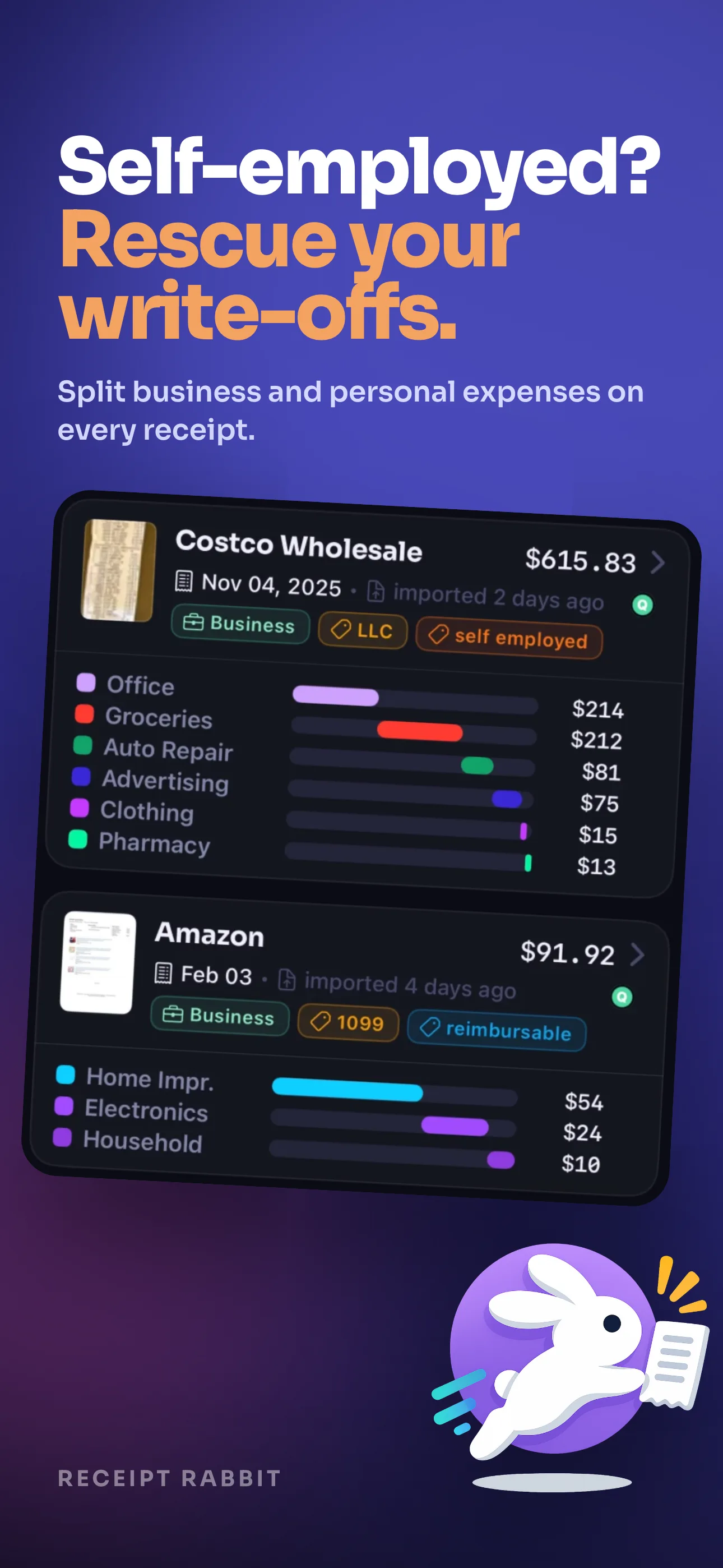
You do your own books, and every Costco run mixes categories — and business with personal — on one line. Receipt Rabbit reads the receipt, sorts each item into its real category, and lets you tag which ones are business expenses. So tax time isn't a night of hand-sorting.

You're on the list.

We'll email you when your beta invite is ready. Nothing else.

No account, no spam. One email when your invite is ready.

The problem

One receipt is never one expense.

Your bank feed hands the books a single line: one merchant, one amount, one guessed category. But that Costco run is really five categories — some business, some personal. You either sort it by hand or write the whole thing off as one lump. Neither is right, and both cost you.

One wrong line is more expensive than it looks.

The tedium isn't the real cost. The real cost is what slips through when you don't have the patience to sort it by hand.

Missed deductions
Hundreds a year
Deductions you never take

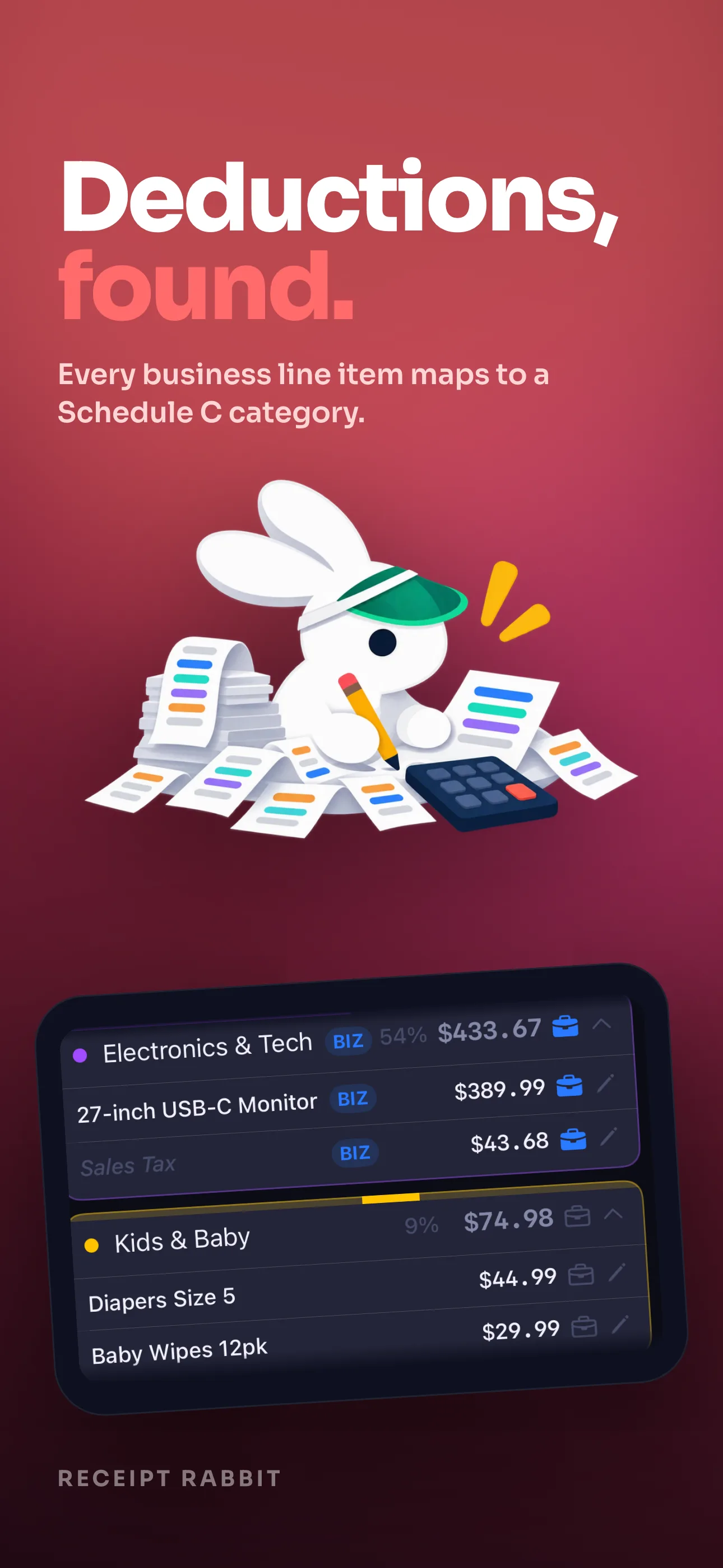
A business line you forgot to tag is a deduction gone. Across a year of receipts, the untagged ones quietly add up to hundreds you overpaid the IRS.

HSA / FSA
Gone at filing
Reimbursements left behind

An HSA- or FSA-eligible item buried in a drugstore run is money on the table. Flag it the moment you scan, or you never see it again.

Accountant time
Billed by the hour
Hours on your accountant's clock

A shoebox of un-itemized receipts is billable time. Hand over categorized, exportable records instead of a bag of paper, and pay for less of it.

How it works

Open. Scan. Done.

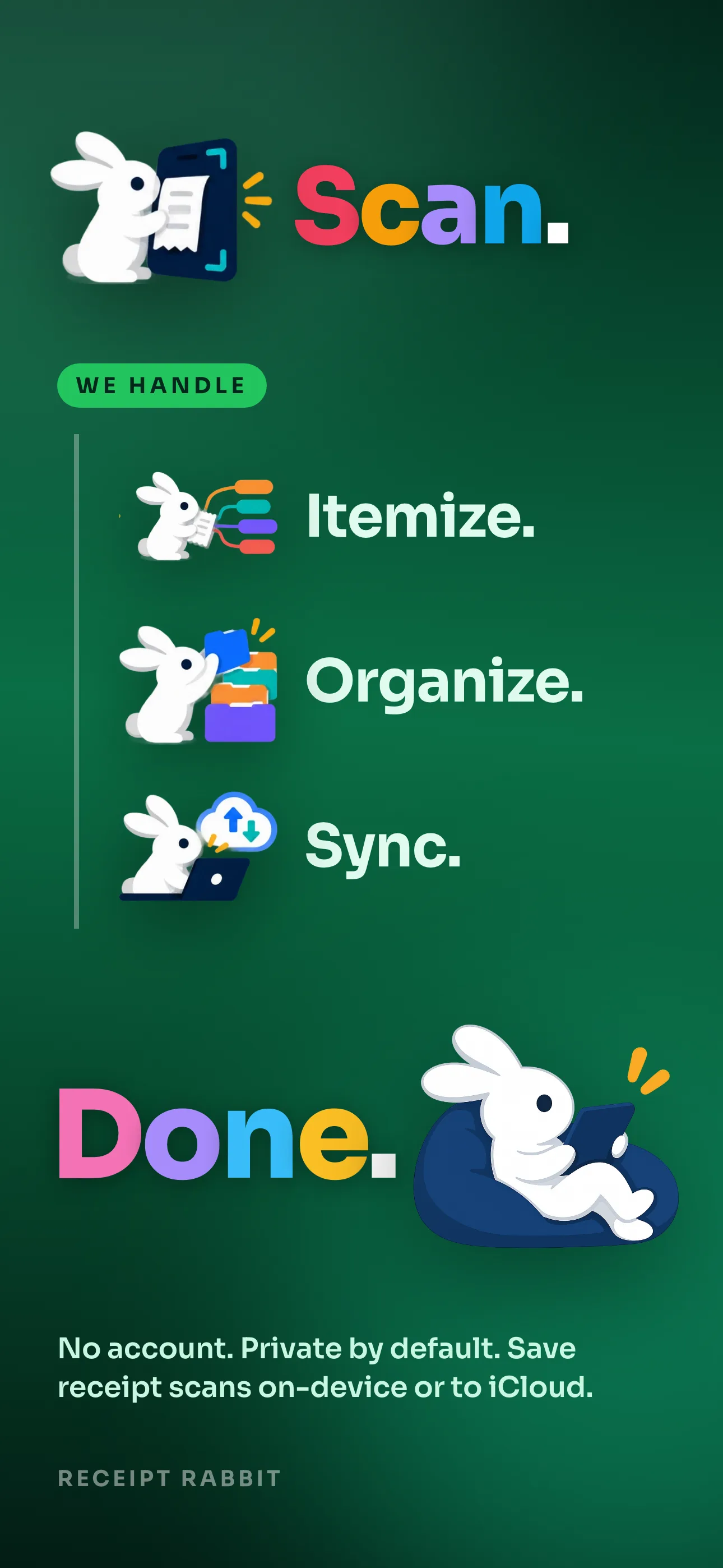
The app opens straight to the camera. Point at a receipt and every line is sorted into its category before you close it.

1
Open the app

Camera is ready instantly — no home screen, no login, no setup. Just point.

2
Every line gets a category

On-device text extraction, then each item is sorted into its real category — Groceries, Office Supplies, Meals — not just the store name.

3
Tag business, then sync

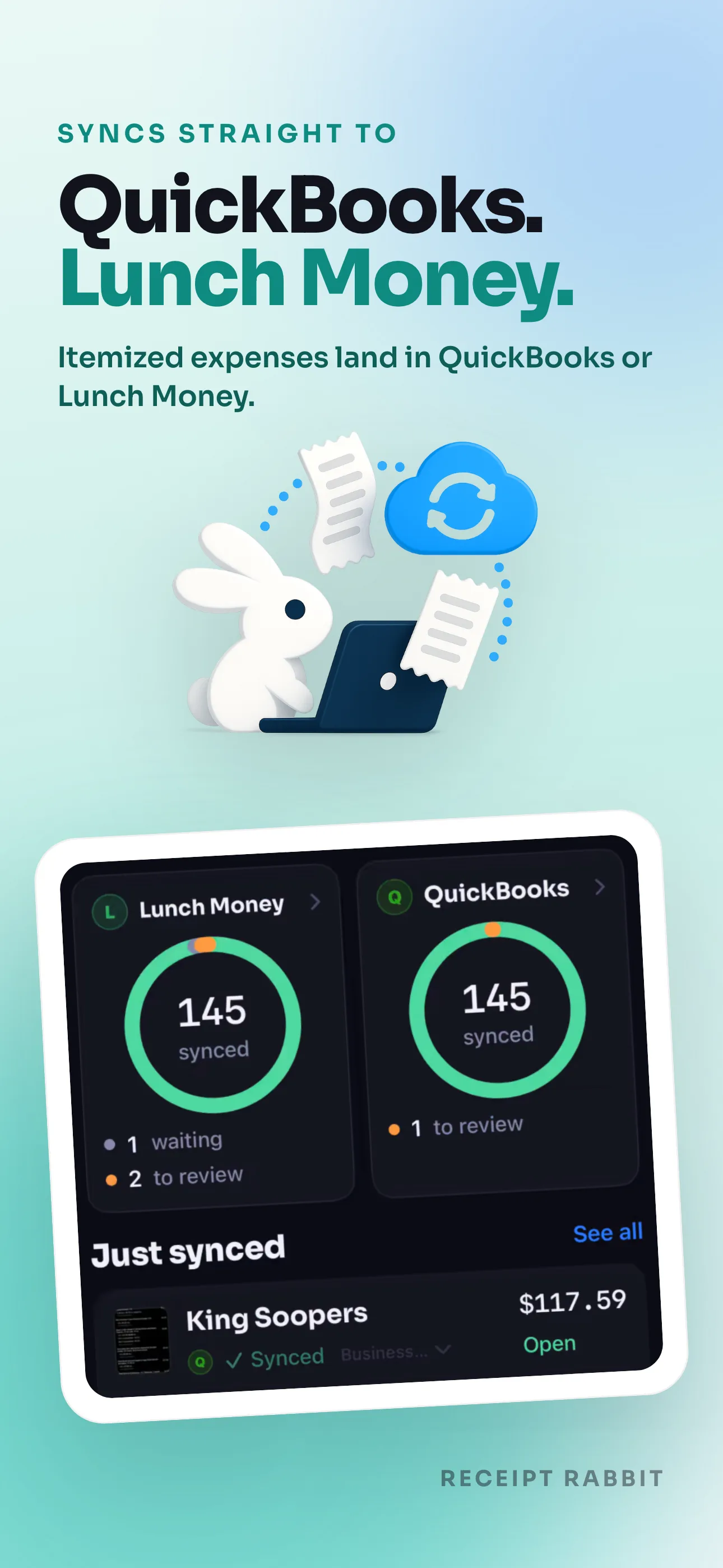
Flag the business expenses on any line — or the whole receipt — then push to QuickBooks or Lunch Money. Personal stays out.

Destinations

Your books, finally itemized.

Receipt Rabbit doesn't replace your accounting or budgeting tool — it feeds it the line-item detail a bank feed can't. Send a finished, split receipt to wherever your numbers already live.

qb
QuickBooks Online

Push each receipt in as itemized expense lines mapped to your chart of accounts — personal portions left out.

lm
Lunch Money

Split a single transaction into per-category detail so your envelopes reflect what was actually bought.

QuickBooks and Lunch Money are trademarks of their respective owners. Receipt Rabbit is an independent app and is not affiliated with, endorsed by, or sponsored by any of them.

Syncs nowhere? Still finished.

A receipt archive that's done before you close the app.

You don't need a single integration to get the whole point. Every scan is saved to your device and your own iCloud with a human-readable name, dated and tagged — searchable, exportable, and permanently free.

Business · 14 tagged this year
Named the moment it scans

The file is dated, totalled, and tagged by category before you put your phone away. No renaming, no folders to build.

Yours, on your device

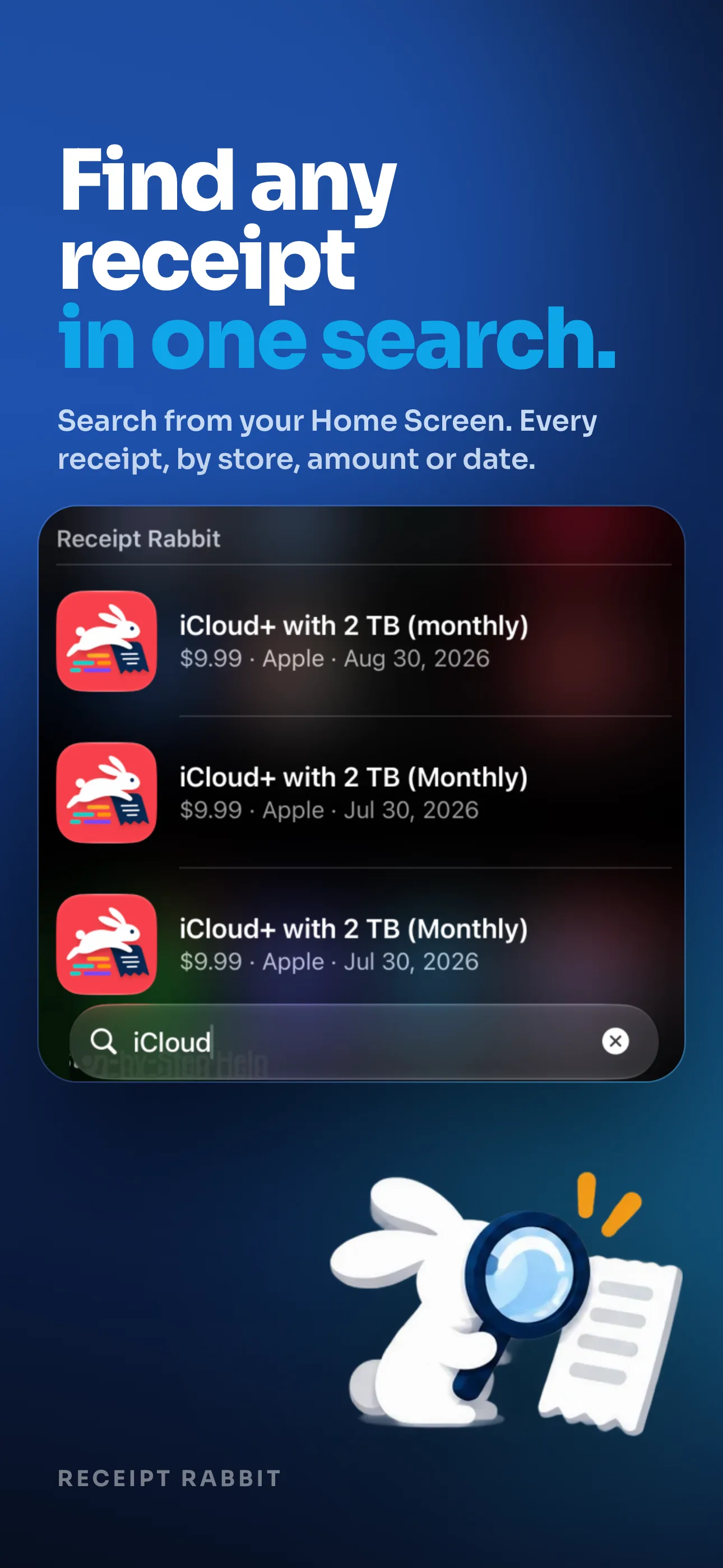
Receipts live on your device and in your own iCloud — findable next April with a search, not a login.

Export when you need it

A line-item CSV with per-category columns, tax-year scoping, and business / HSA-FSA filtering, on demand.

No account. No login. No copy on our servers.

Your receipts live on your device and in your own iCloud. There's no sign-up wall to get started, and we never receive or keep a copy of your receipts. That's the whole policy.

For accountants & bookkeepers

The shoebox isn't hard to categorize. It's that the detail was gone before it reached you.

By the time a client's receipt lands on your desk, the line items are unrecoverable — a faded total and a guess. Receipt Rabbit puts capture in the client's hand at the register and hands you back itemized, categorized, exportable records.

You're on the list.

We'll email you when your beta invite is ready. Nothing else.

Work with clients? We're testing a firm-side workflow and want to hear what you'd need.

Beta access

Help shape it. Keep the perks.

Beta testers get in before public launch with a direct line to the team. What works, what's confusing, what's missing — that's how this gets built right.

Free Pro during beta

Every Pro feature — 300 categorizations, destination sync, email forwarding, tax documents — free while you test.

Direct line to the team

Bug reports, feature requests, or just thoughts, straight to the person building it. No ticket queue.

Founding-member pricing

Lock in a discounted rate at public launch. You took a chance on us early — we'll remember that.

Private beta · iOS

Stop sorting one receipt into four places by hand.

Join the beta and we'll send an invite when your spot opens. One email — no spam.

You're on the list.

We'll email you when your beta invite is ready. Nothing else.

receiptrabbit.io · your email stays private